CRM System
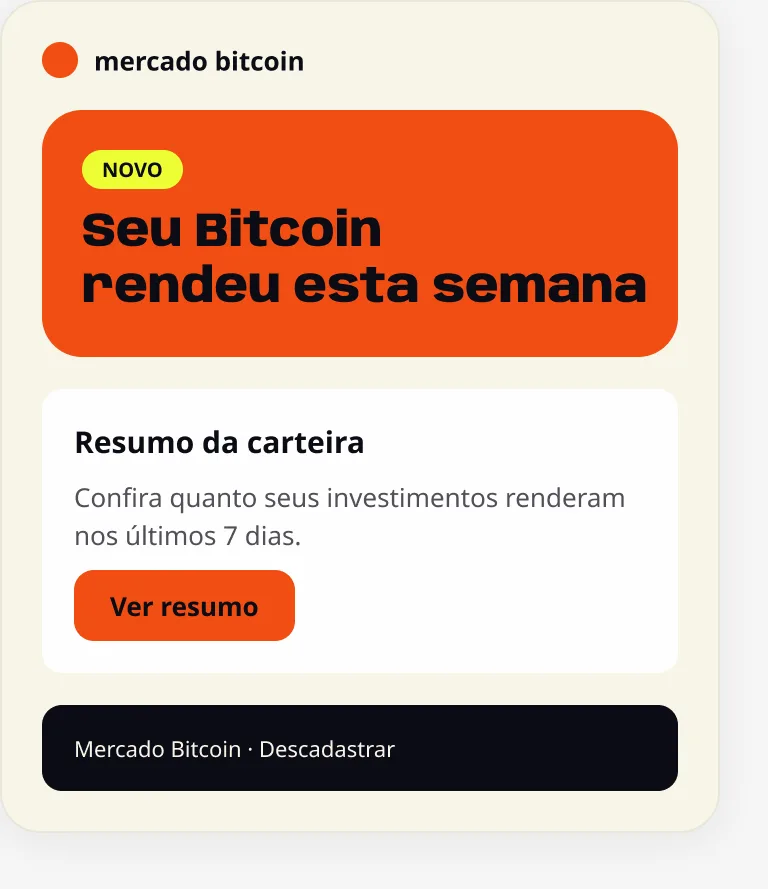
The design system behind every e-mail, in-app message and push that Mercado Bitcoin sends to its clients.
I designed it, moved it to the new brand in May 2026 and run it every day as Senior Designer on the CRM team. When a campaign bends the system, I find out why and fix it in the next version.
- Role
- Senior Designer, Design Systems
- Company
- Mercado Bitcoin
- Scope
- 7 channels, 2 brands, 4 themes
- Status
- In production since the May 2026 rebrand
Every message used to start from zero
Mercado Bitcoin talks to clients through e-mail, in-app messages, AdUnits, push, RCS and WhatsApp, for two brands. Each piece was built by hand, and the May 2026 rebrand meant redoing all of them.
- 850+
- pieces shipped with the system since May
- 3,300+
- component instances inside those pieces
- 4
- brand themes: Retail and MB One, light and dark
- 7
- channels, from e-mail to key visuals
Four layers, one source of truth
Each layer only uses the one before it. Change a token and every module and campaign follows.
-
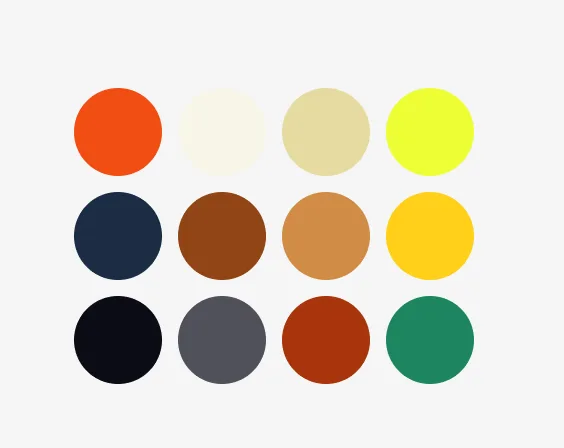
1Tokens
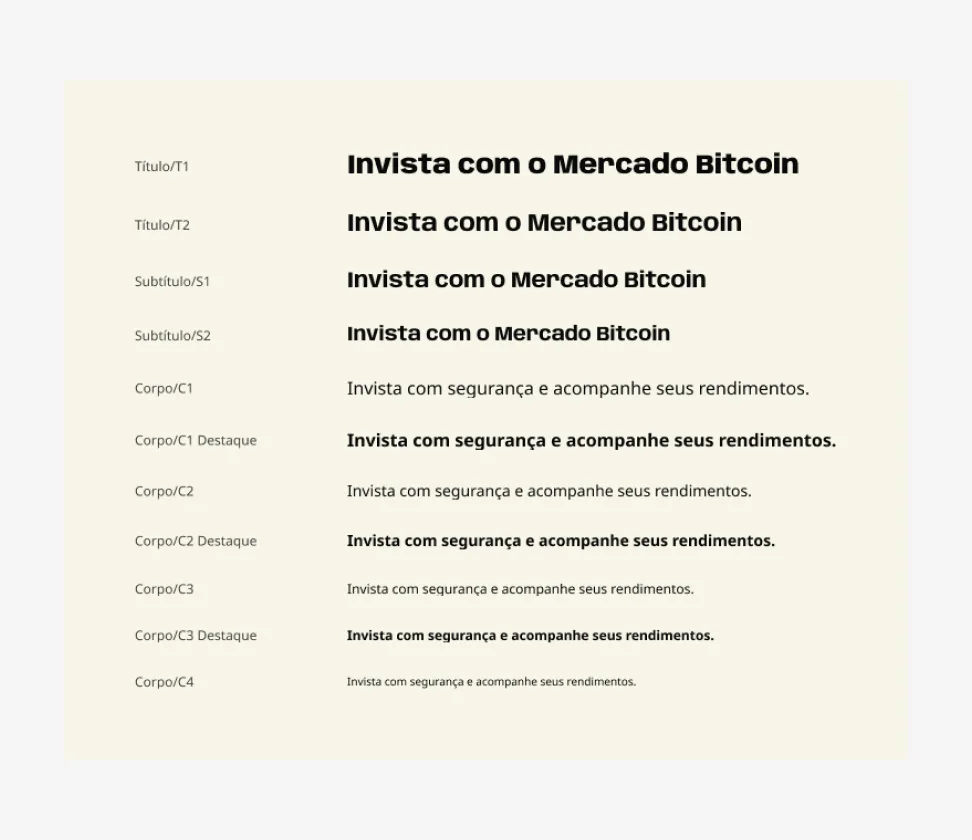
Color, type, spacing and radius, named by what they do.
-
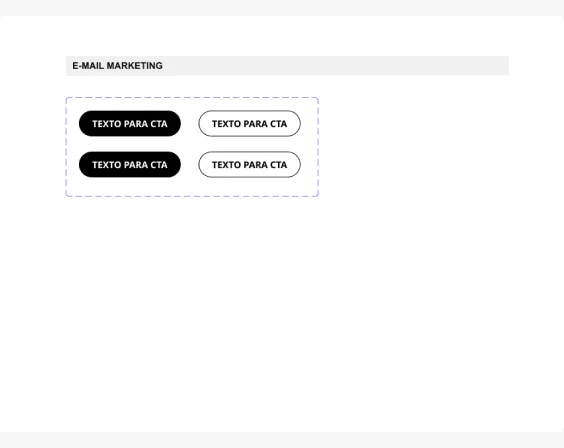
2Components
Buttons, tags, icons and text blocks.
-
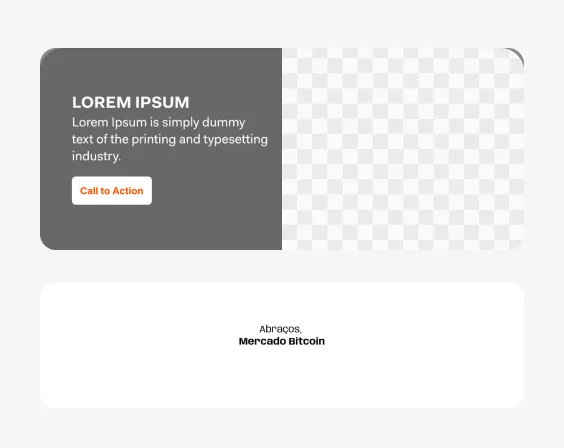
3Modules
Header, banner, content and footer blocks.
-
4Pieces
E-mails, in-app messages, AdUnits and push.
Built from modules
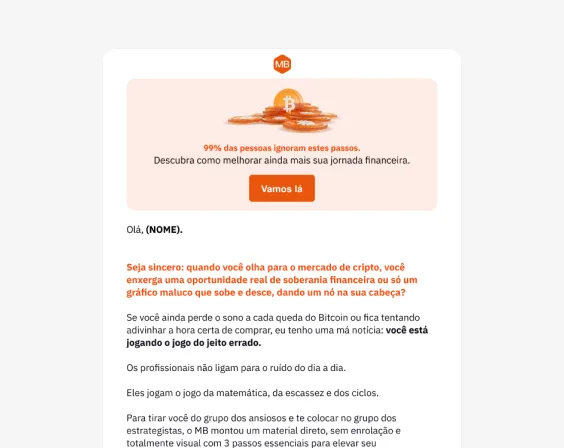
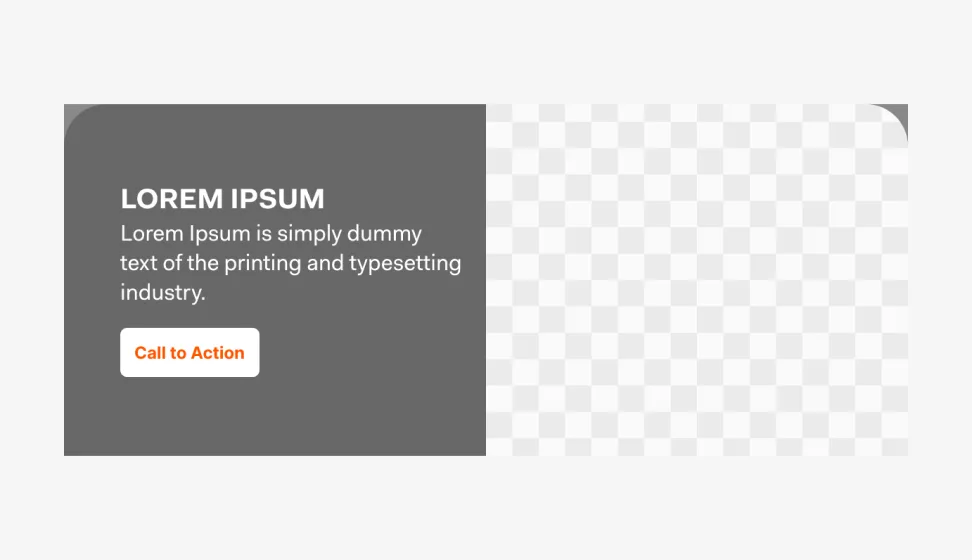
Headers, banners, text blocks and sign-offs snap together. Each one is already tested in Gmail, Outlook and Apple Mail.
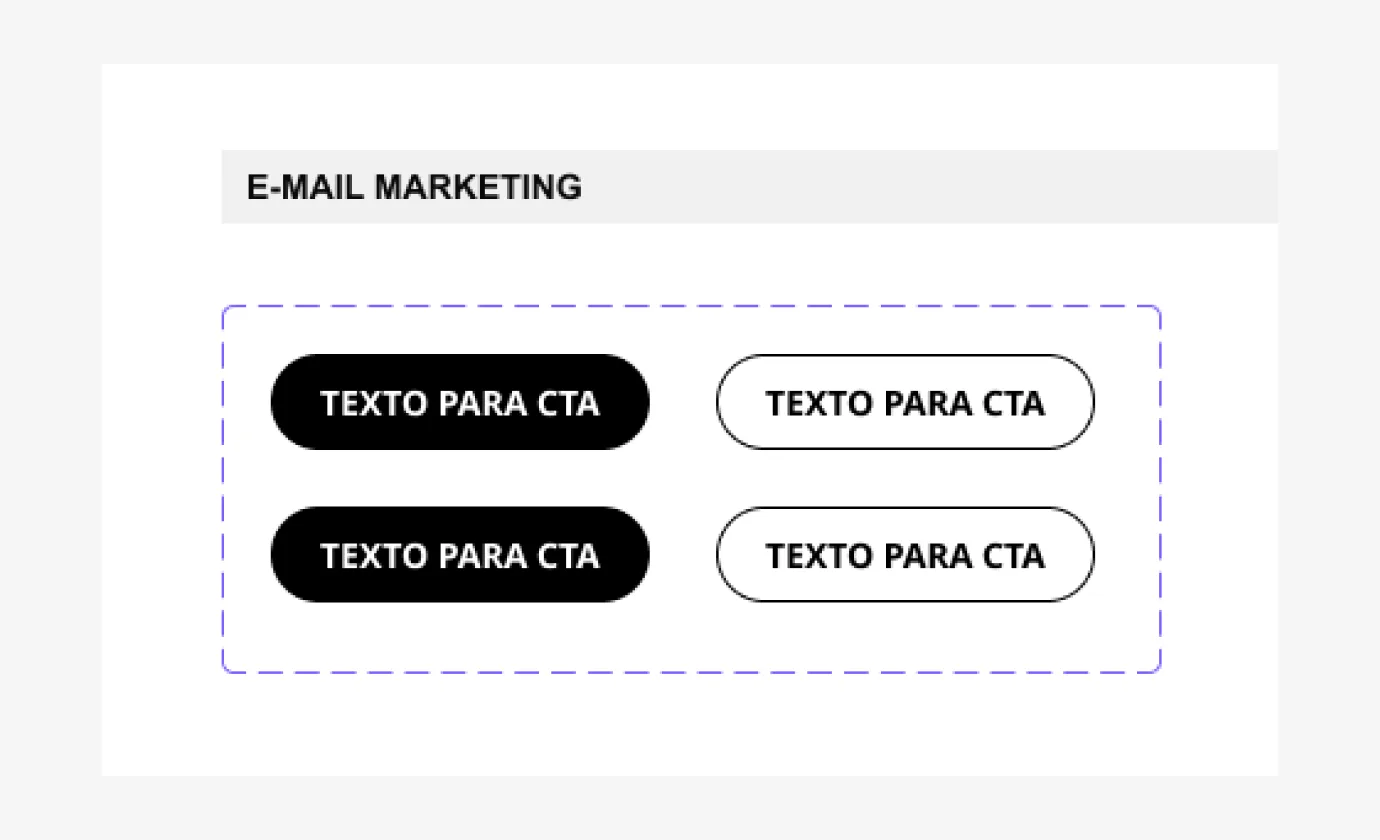
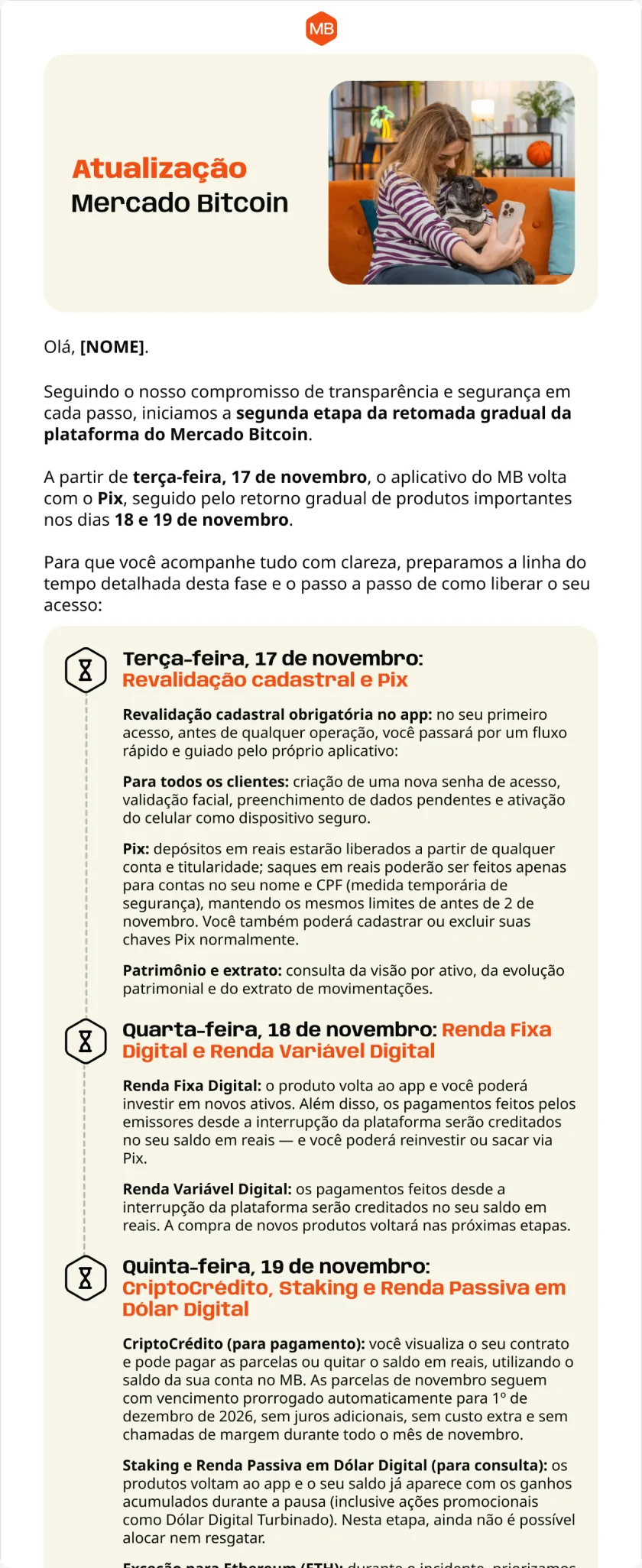
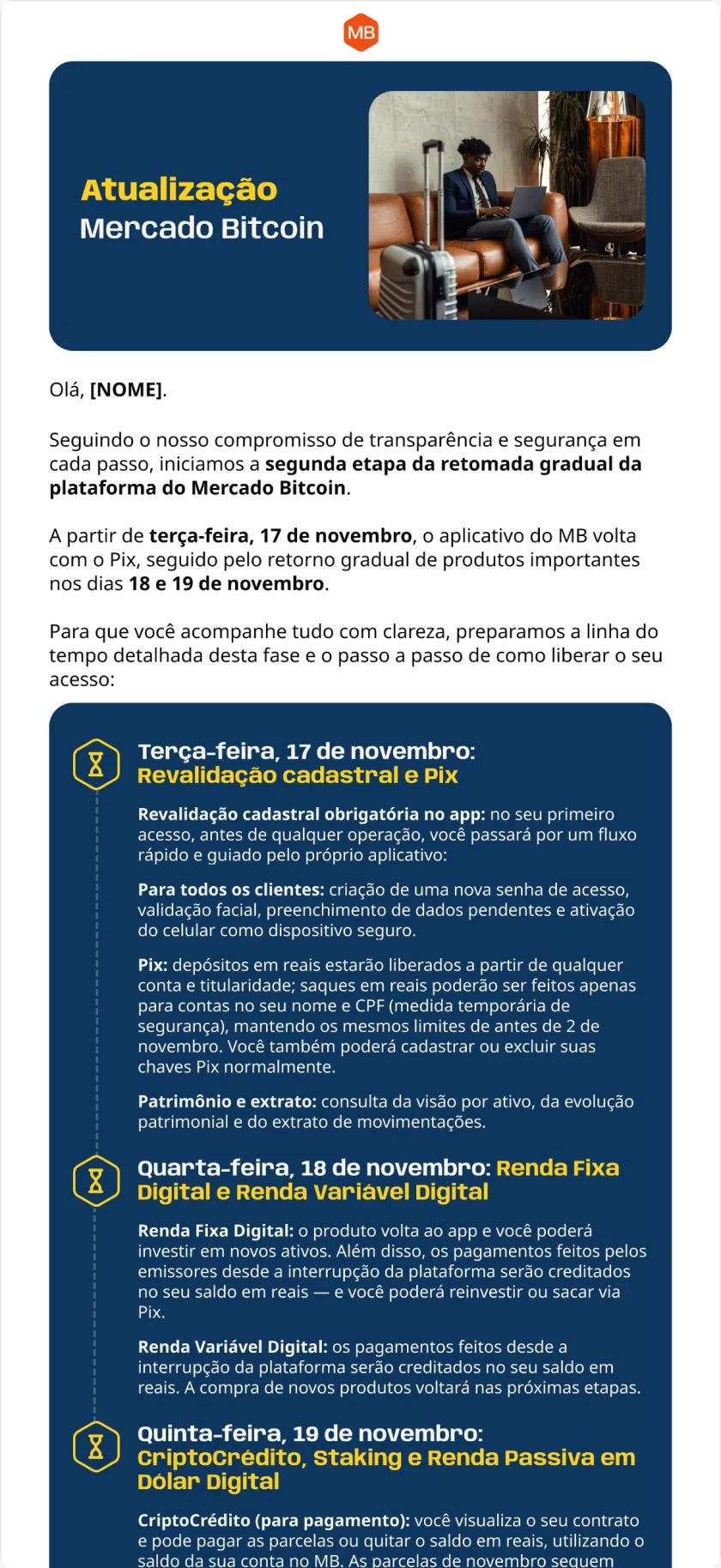
One library, two brands
Retail and MB One share the same modules and layouts. The theme decides the colors, in light and dark.
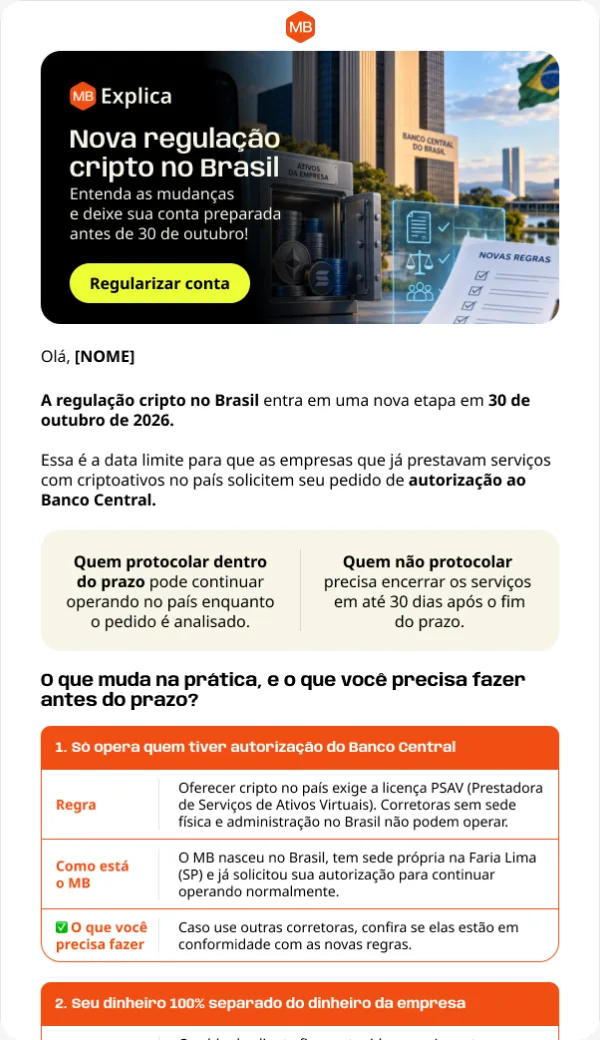
Shipped every week
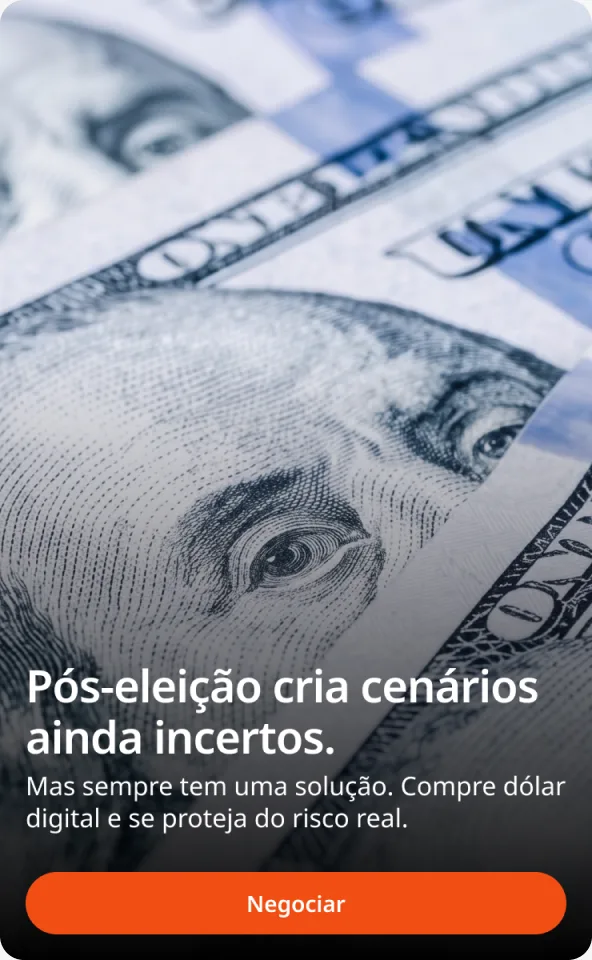
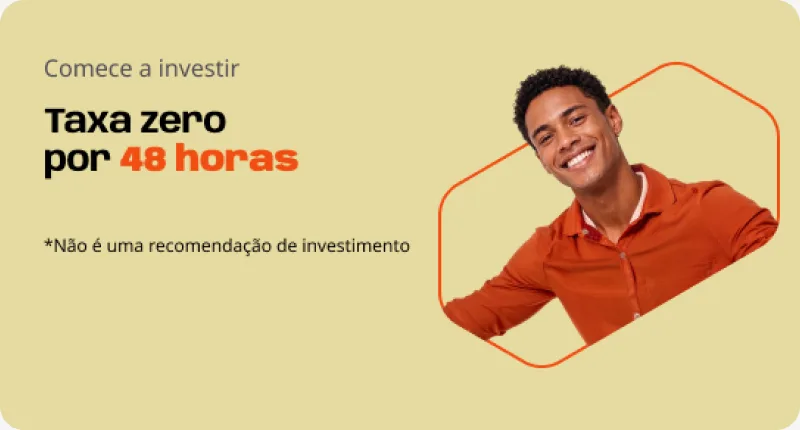
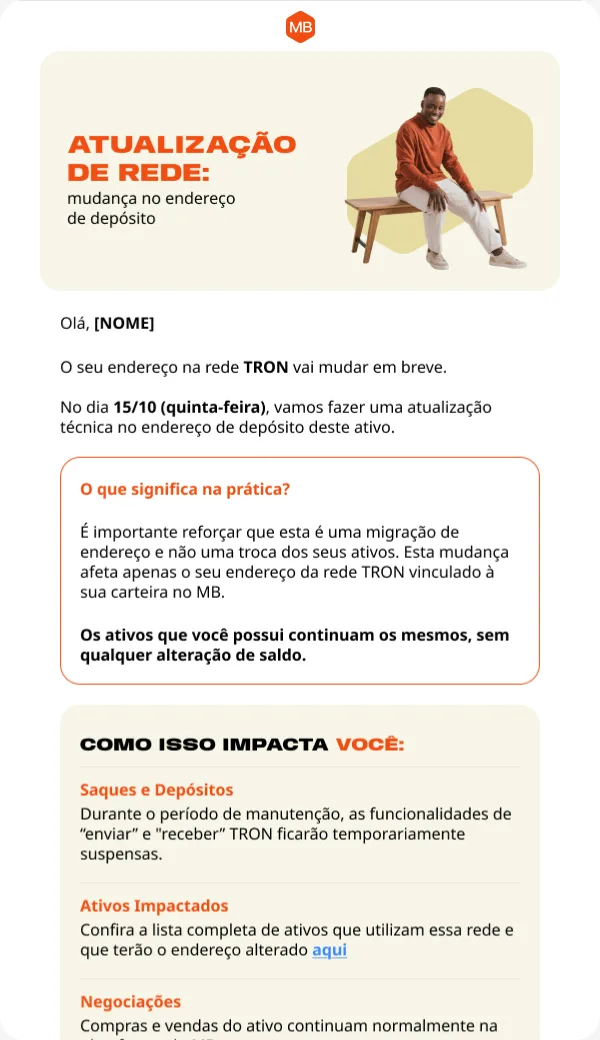
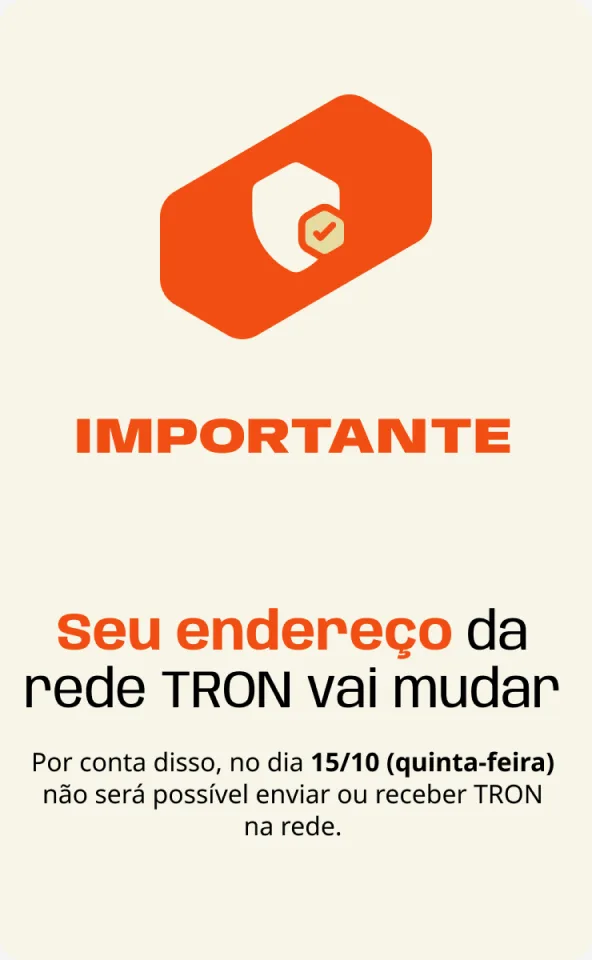
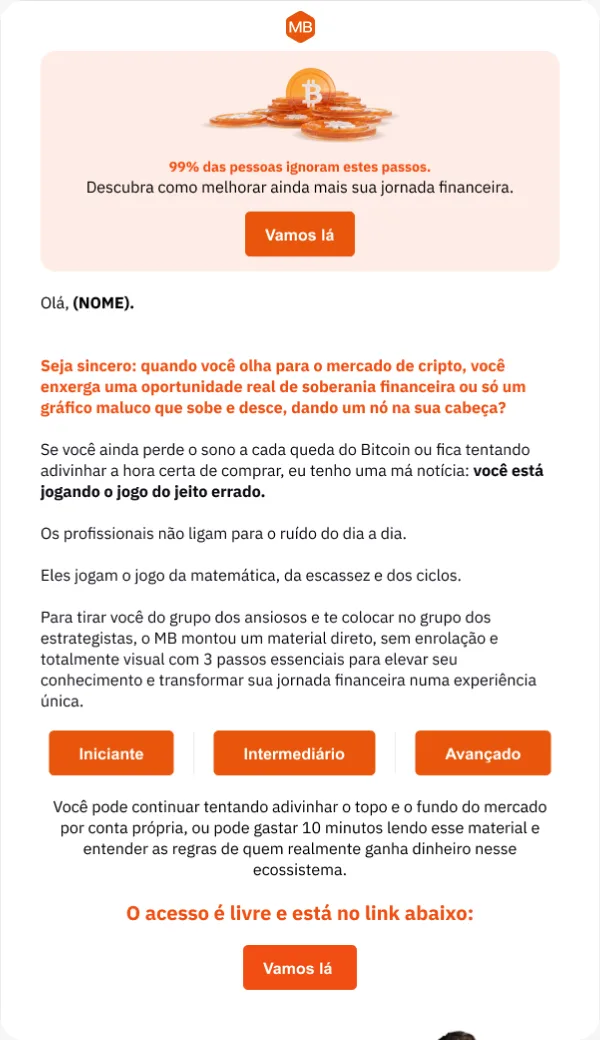
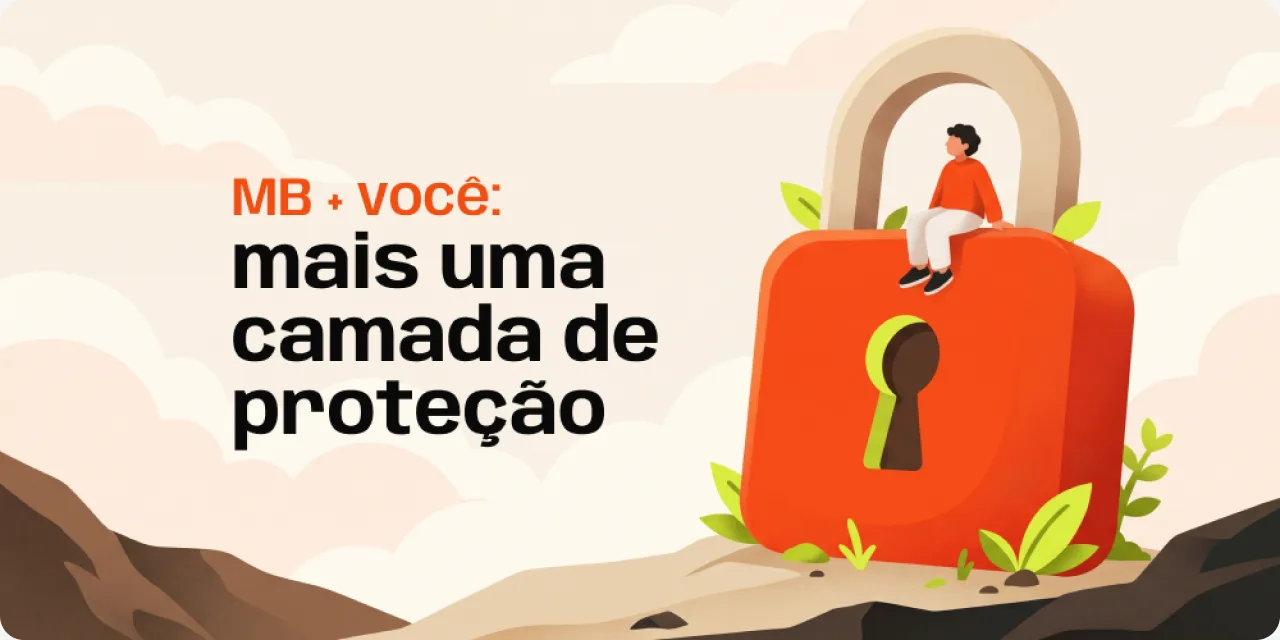
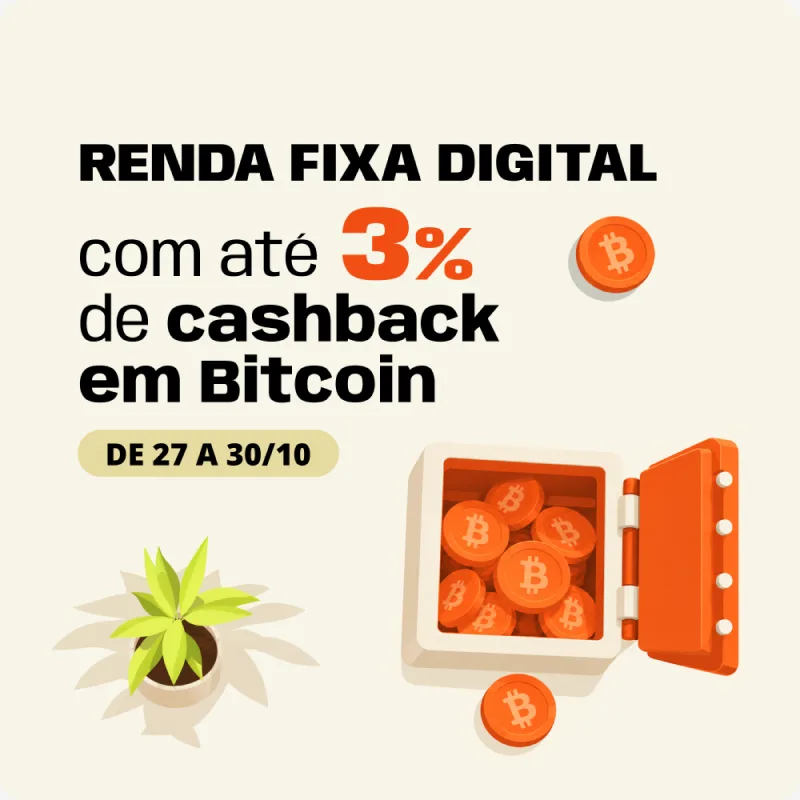
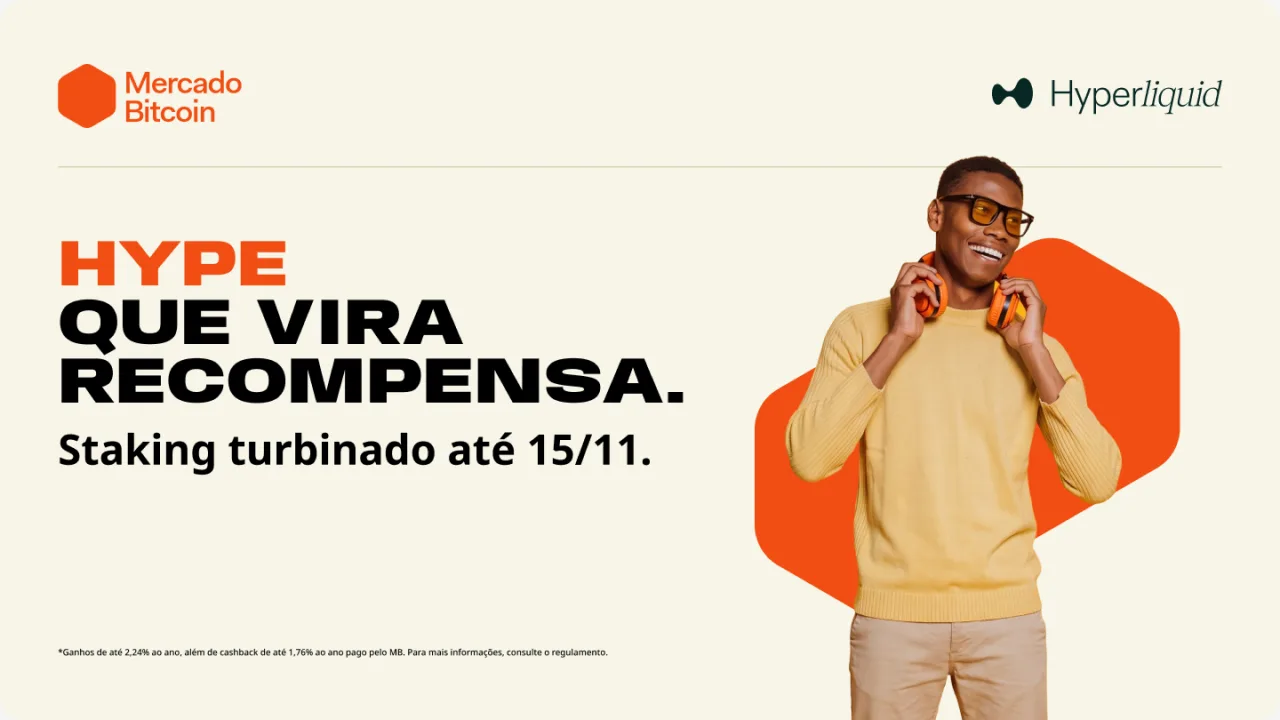
A few of the 850+ pieces built with the system since the rebrand.



What 850 pieces taught me
I audited six months of production to see where the system bent. Each workaround became a change in the next version.
| What I found | How often | What changed |
|---|---|---|
| Only 30% of the pieces are e-mail | 250 of about 850 | The system now covers in-app messages, AdUnits and key visuals too |
| The text module is restyled every time | About 1,800 instances | A new text block with type, tone and alignment options |
| Buttons are recolored by hand | About 770 overrides | Buttons follow the brand theme on their own |
| Colors are typed as hex codes | About 940 texts in #000000 | The raw palette is hidden; only named tokens are offered |
| Corners of 10 and 20 px rule the pieces | About 1,700 uses | Both became tokens and a proposal to the product team |
Proposal: one token language
The v2 proposal maps CRM tokens onto the company's Global Tokens. The UX team owns those; my part is the mapping and the rules that get it into an inbox.
-
1Global Tokens
Owned by the UX team. The product's names for color, type, space and radius.
-
2CRM aliases
My layer. Each CRM token points to a product token instead of a raw value, so both sides move together.
-
3E-mail HTML
At build time the aliases compile to plain hex and pixel values that every inbox can read.
E-mail is not the web
Product tokens can't go straight into an inbox. These rules keep the same values intact in Gmail, Outlook and Apple Mail.
Gmail and Outlook ignore them, so tokens compile to plain hex values in the HTML.
Anybody and Noto Sans fall back to Arial when a client can't load them.
Outlook ignores percentages, so every line height is set in pixels.
Each client inverts colors its own way, so pieces avoid transparency and keep logos on solid backgrounds.
Next project